RdpGuard v7.0.3 Full version
- Last Updated: 24-01-2021, 12:18
- License type: Full Version
Download
Report Submitted
Thank you for reporting this issue. Our team will check the download links shortly.
How to Download from 4download.net
Quick step-by-step video guide for new users.
Watch Guide
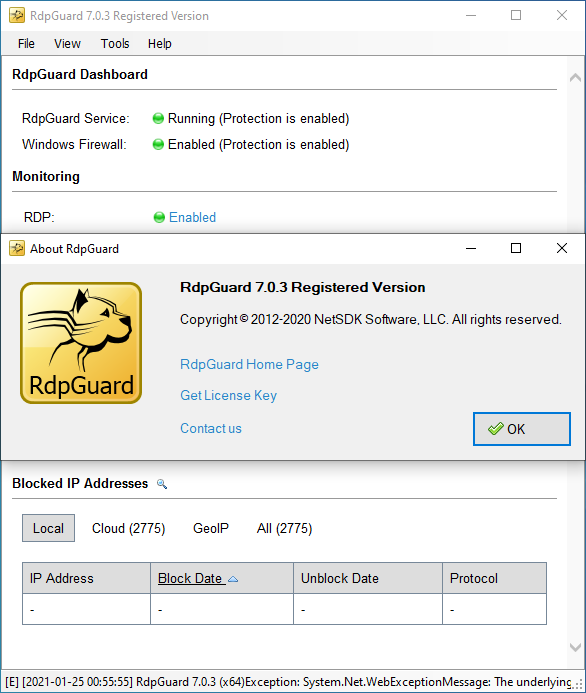
RdpGuard is a host-based intrusion prevention system (HIPS) that protects your Windows Server from brute-force attacks on various protocols and services (RDP, FTP, IMAP, POP3, SMTP, MySQL, MS-SQL, IIS Web Login, ASP.NET Web Forms, MS Exchange, RD Web Access, VoIP/SIP, etc). It monitors the logs on your server and detects failed logon attempts. If the number of failed logon attempts from a single IP address reaches a set limit, the attacker's IP address will be blocked for a specified period of time.
Why do you need it?
Many Windows Server machines are under constant attack. Network scanners and RDP brute-force tools work 24/7. Eventually they may find a password to access your server! Moreover, RDP brute-force attacks abuse server resources (CPU, RAM, Disk Space and Network Bandwidth). Take a look at your server's Security EventLog. How many failed login attempts do you see? The log may note thousands of failed login attempts from a single IP address. This means that someone is trying to find a password to access your server.
How can you protect your server from brute-force password-guessing attacks on RDP? The answer is RdpGuard - powerful tool that allows you to protect your Remote Desktop from brute-force attacks. RdpGuard works as a Windows Service. Your Windows Server will be protected even if nobody is logged in.
KEY FEATURES:
System Requirements:
Many Windows Server machines are under constant attack. Network scanners and RDP brute-force tools work 24/7. Eventually they may find a password to access your server! Moreover, RDP brute-force attacks abuse server resources (CPU, RAM, Disk Space and Network Bandwidth). Take a look at your server's Security EventLog. How many failed login attempts do you see? The log may note thousands of failed login attempts from a single IP address. This means that someone is trying to find a password to access your server.
How can you protect your server from brute-force password-guessing attacks on RDP? The answer is RdpGuard - powerful tool that allows you to protect your Remote Desktop from brute-force attacks. RdpGuard works as a Windows Service. Your Windows Server will be protected even if nobody is logged in.
- Protects your windows server
- Works even when no one is logged on
- Provides 24/7 security
- Logs any login requests
- Bans IP for exceeding invalid logins
- Supported OS: Windows 7/8/10
- Processor: Pentium IV or higher
- RAM: 1 GB RAM (2 GB recommended)
- Free Hard Disk Space: 200 MB or more
Download RdpGuard v7.0.3 Full version32 Bit Software
DISCLAIMER
All software listed on this site is provided for educational and testing purposes only. We strongly encourage users to support the developers by purchasing official licenses from the original creators. If you find this software useful, please consider buying it legally.

Discussion
Ask questions, get technical support, share solutions, and discuss everything related to this download.
No discussions yet
Be the first member to start a discussion.
Your Feedback Matters
Share your experience, provide feedback, or post a brief comment about this software. For questions, technical support, troubleshooting, or community discussions, please use the Discussion Center above.