Affinity Photo v2.5.6 for MacOS
- Last Updated: 28-11-2024, 07:42
- License type: Full Version
- File size: 687 MB
- Official Website: Serif
- Rar Password: www.4download.net
Report Submitted
Thank you for reporting this issue. Our team will check the download links shortly.

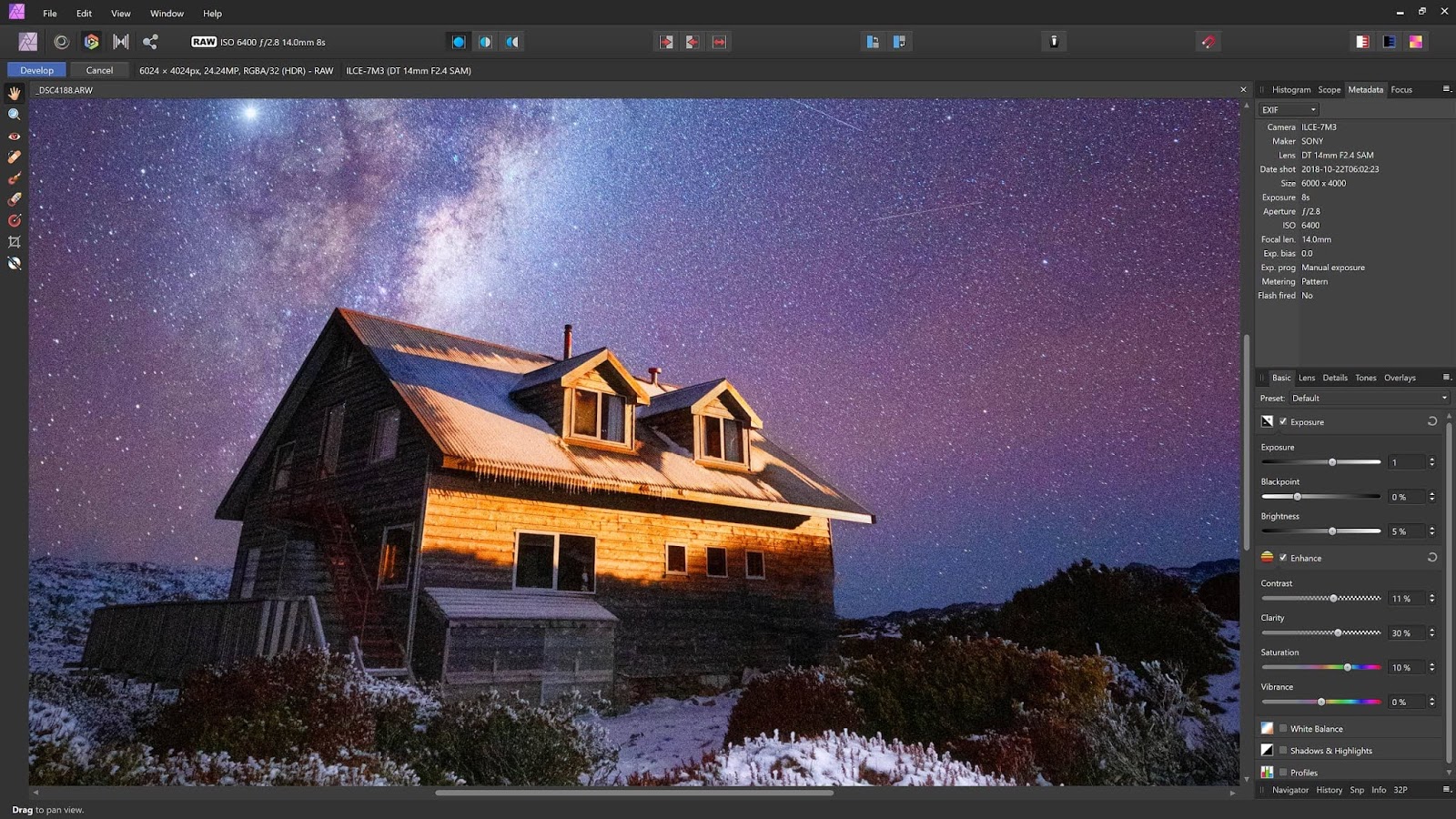
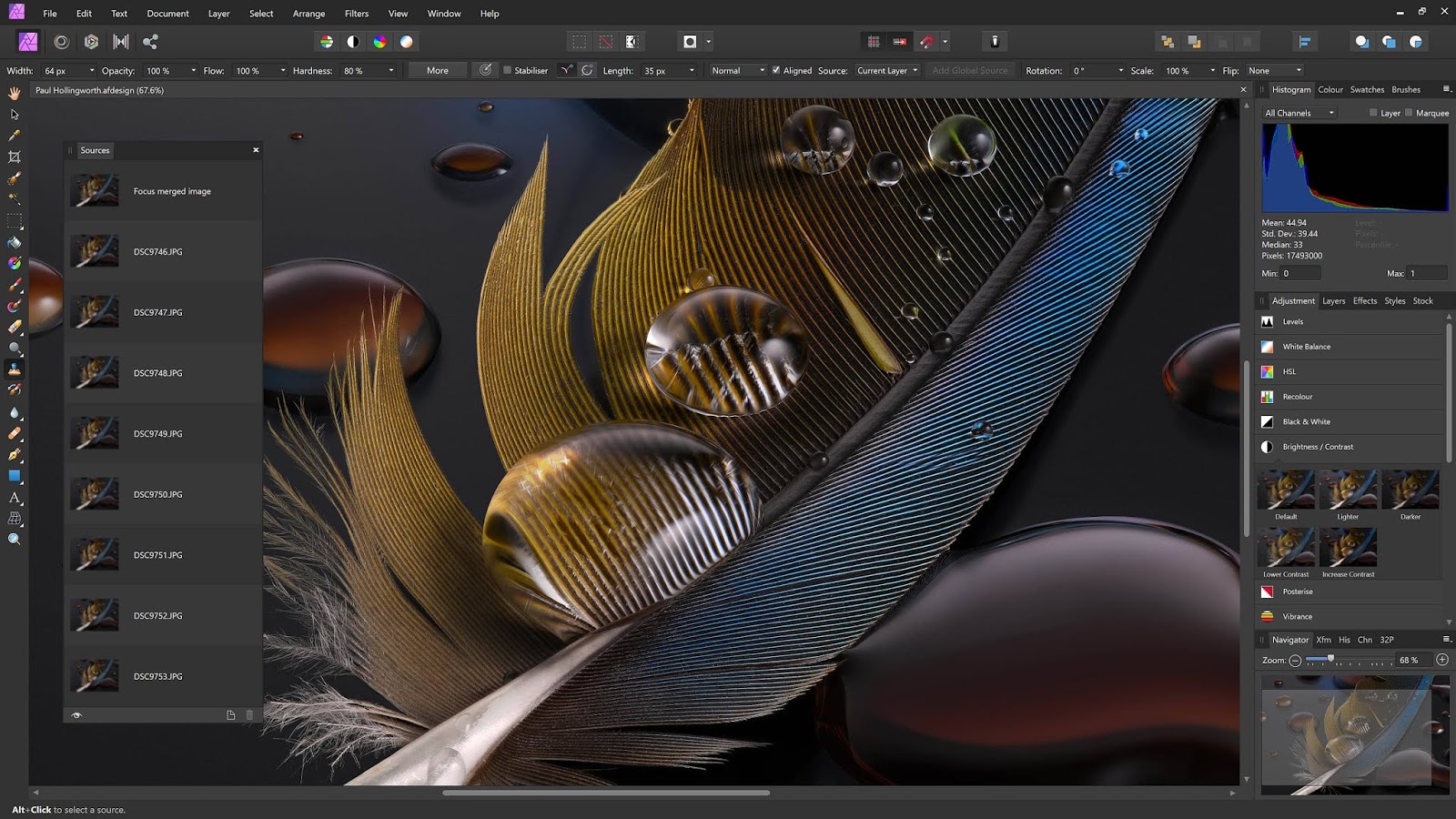
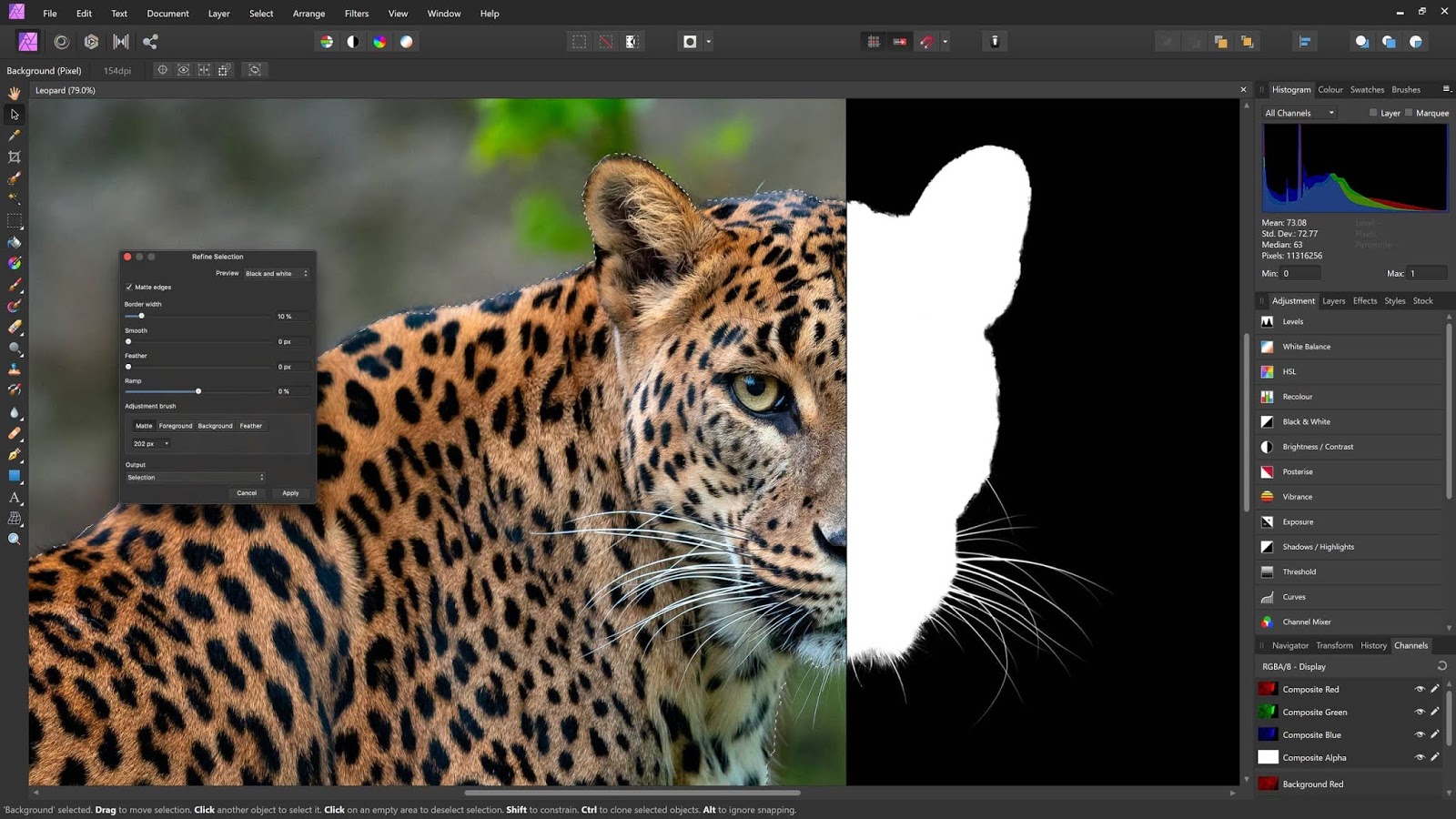

Faster, smoother, and more powerful than ever, it continues to push the boundaries for professional photo editing software. With a massive toolset specifically engineered for creative and photography professionals, it has everything you need to edit and retouch images, create full-blown, multi-layered compositions or beautiful raster paintings, and much more.
Features of Affinity Photo for macOS
- Open, edit, and save Photoshop PSD files
- RGB, CMYK, Greyscale, and LAB color spaces
- End-to-end CMYK workflow with ICC color management
- Complete 16 and 32-bit per channel editing
- Work with all standard formats like PNG, TIFF, JPG, GIF, SVG, EPS, EXR, HDR, and PDF.
- Panning and zooming are always live at 60fps with live previews, tools, and real-time editing.
- Open and edit massive images without compromising performance or running out of memory and other.
Technical Details and System Requirements
macOS 10.15 or later
Download Affinity Photo v2.5.6 for MacOSSerif, Affinity Photo, Image Editor, 64 Bit Software


All software listed on this site is provided for educational and testing purposes only. We strongly encourage users to support the developers by purchasing official licenses from the original creators. If you find this software useful, please consider buying it legally.

Discussion
Ask questions, get technical support, share solutions, and discuss everything related to this download.
No discussions yet
Be the first member to start a discussion.
Your Feedback Matters
Share your experience, provide feedback, or post a brief comment about this software. For questions, technical support, troubleshooting, or community discussions, please use the Discussion Center above.