Synthesizer V Studio Pro v1.11.2 + Voicebanks WIN
- Last Updated: 21-09-2025, 11:44
- File size: 5.29 GB
- Views: 70 182
- Official Website: Dreamtonics
- Rar Password: www.4download.net


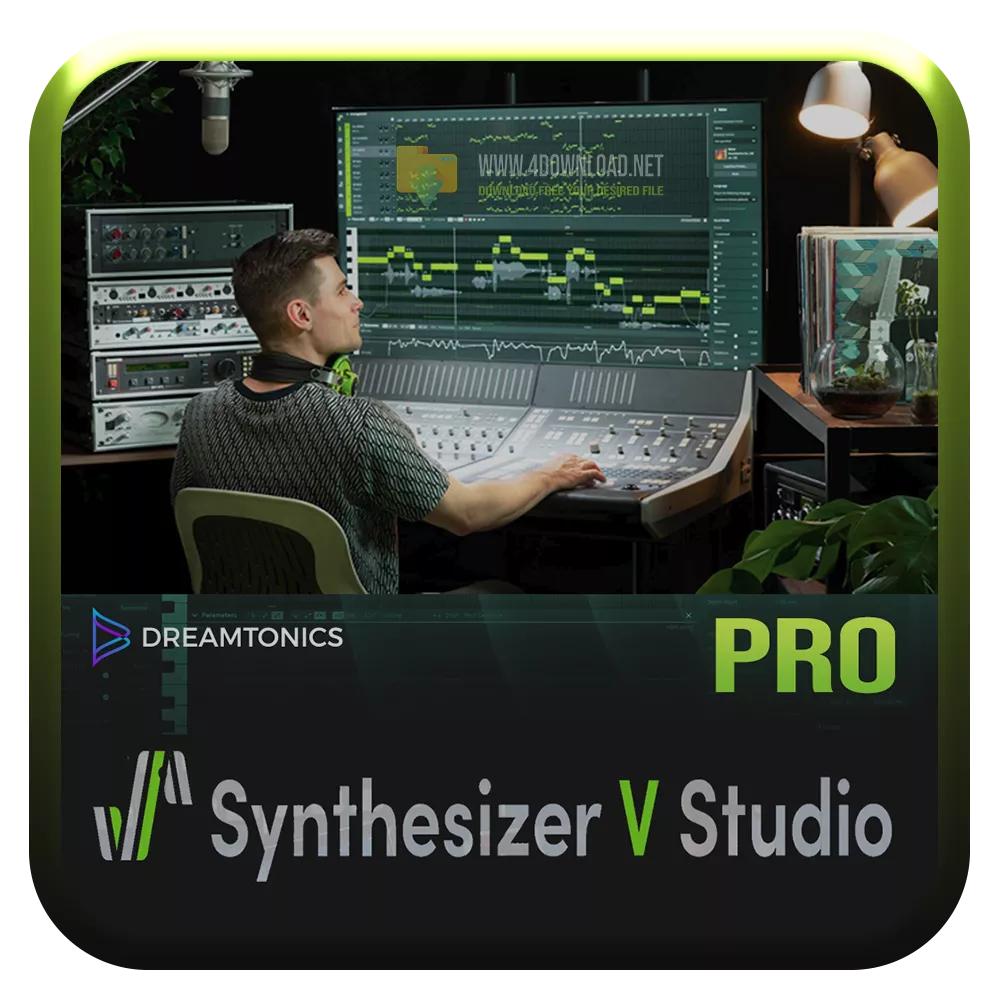

Synthesizer V Studio Pro is the flagship singing synthesis software developed by Dreamtonics. The software combines an intuitive and flexible user interface with a powerful singing synthesis engine backed by cutting-edge technologies. Users can easily create realistic-sounding vocal covers or original songs by simply sketching out a melody and filling in the lyrics.
Life-like and responsive vocals at your fingertip
Warmth and tonality are hallmarks of the human singing voice. Behind the scenes, Synthesizer V leverages a deep neural network-based synthesis engine capable of generating incredibly life-like singing voices. Plus, unlike other solutions that utilize neural networks, our first-of-its-kind synthesizer is 100% offline yet runs at lightning-fast speeds. Bad connection? No worries. You will never lose access to your work.
Voices for Synthesizer V Studio are available in English, Japanese, and Mandarin Chinese. The cross-lingual synthesis feature in Synthesizer V Studio Pro further enables any AI voice to sing in a non-native language. For example, Saki AI, a voice native in Japanese, can also sing in English or Chinese given appropriate lyrics. The user interface for Synthesizer V Studio is available in English, Japanese, and Simplified Chinese. Community-contributed translations extend the support to a wider range of languages.
1. Install SynthV Setup
1b.DO NOT CLICK ON ADS ON THE INSTALL INTERFACE
2. Click next
3. Leave Launch Synthesizer V Checked, Click Finished
4. Voice download options: Leave unChecked,(Then Choose Skip)
5. Uncheck and Decline Telemetry Consent
6. Close Synth V
If you dont see Synth V shortcut on your desktop, create one:
7. Simply Go to C:\Program Files\Synthesizer V Sharp folder and right click on synthv-sharp.exe
and choose: Send To> Desktop (create shortcut)
8. For tidyness sake, rename shortcut on desktop Synth V
9. Launch Synthsizer V Using Your desktop shortcut.
10. To install a voicebank simply drag a Voicebank from SV Banks folder into Synth V Interface window.
Standard Synth V Icon included for easy desktop shortcut swap (for look only)
Get new banks here https://synthv.me/
Download Synthesizer V Studio Pro v1.11.2 + Voicebanks WINDreamtonics, Synthesizer V Studio, VSTi Plugins, Voices, Synthesizer, 64 Bit Software


All software listed on this site is provided for educational and testing purposes only. We strongly encourage users to support the developers by purchasing official licenses from the original creators. If you find this software useful, please consider buying it legally.

Comments 56